
An English keyboard for iPhone that fixes typos as you go
CorrectMe types English with a QWERTY layout in a US or UK version, autocorrect and word predictions from a dictionary that ships with the app.
Good morniny everyone
Good morning everyone
CorrectMe, an AI keyboard app for iPhone by Teleprompter LLC, includes a English keyboard with its own layout, dictionary and autocorrect. English typing and autocorrect are free, run on your iPhone without Full Access, and work alongside the other 8 keyboard languages without switching keyboards.
The layout
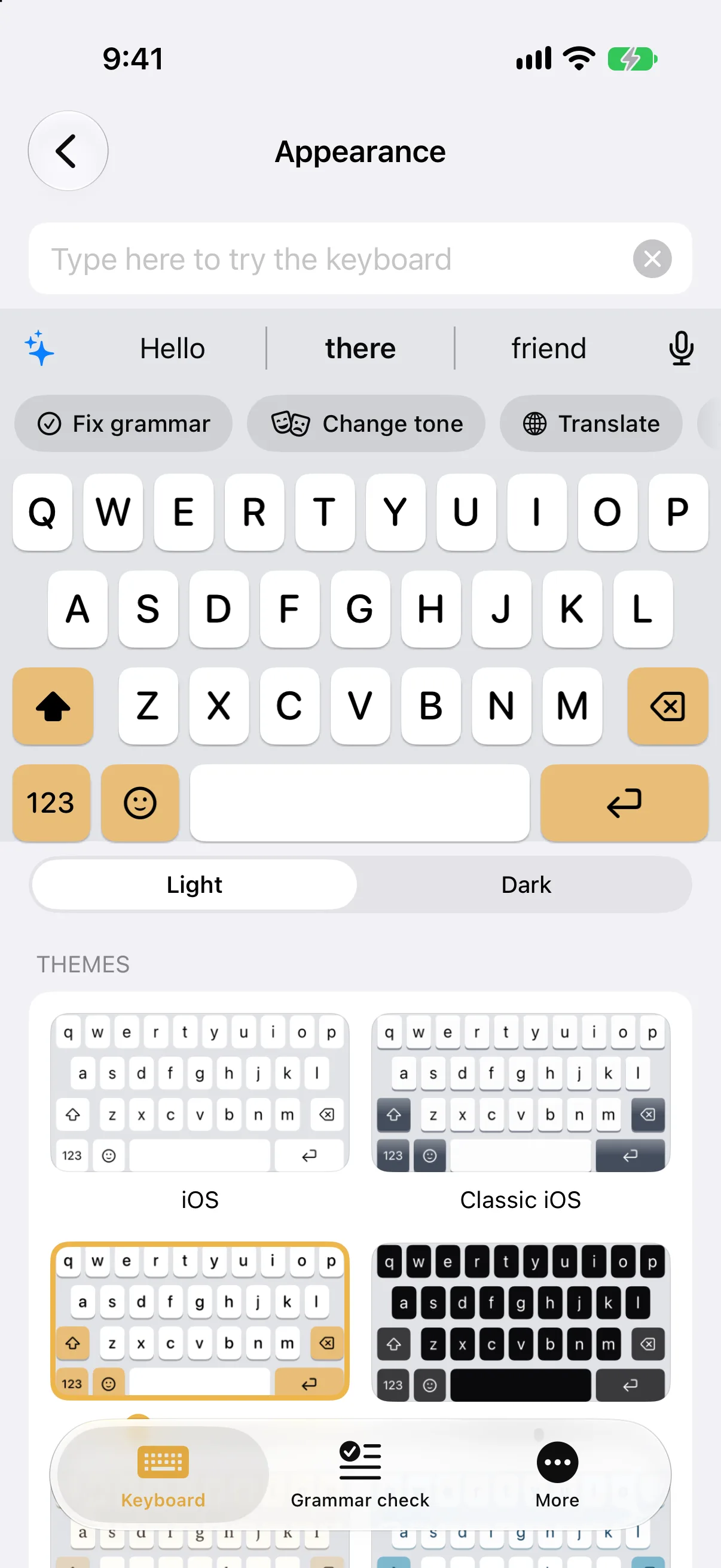
CorrectMe’s English layout is standard QWERTY, with the letters where you expect them. Accented letters are a long press away, for words like café or naïve: hold e for é, è, ê and ë, a for à, á, â and others, c for ç, n for ñ, and o, u and i for their accented forms.
There are two English layouts, listed as separate rows in the app: English (United States) and English (United Kingdom). The letters are identical. The difference is the numbers page, where the UK layout shows £ on the currency key and the US layout shows $. Both read from the same English dictionary.
Autocorrect and predictions
Autocorrect runs on your iPhone. The English dictionary is part of the app, so nothing you type is sent anywhere to check spelling.
It looks at which keys sit next to each other, so a slip onto a neighboring key (“morniny” for “morning”) costs less than an unrelated letter. It also handles common English mistakes:
- swapped letters, such as “teh” for “the”
- missing apostrophes, such as “dont” for “don’t”
- a missing space between two words
When it is not confident, it offers the word in the suggestion bar instead of replacing what you typed. Predictions in the same bar complete the word you are typing.
Words you type often are learned and left alone. You can see and edit them in the app under Keyboard > Typing > Autocorrect languages > Learned words.
English with a second language
You can enable English alongside Hungarian, German, French, Spanish, Italian, Portuguese, Dutch or Polish. Autocorrect checks every enabled language at once, so a message in English is not “fixed” into German, and you do not have to switch keyboards when you move from an English conversation to a German one. Each language has its own autocorrect switch under Typing > Autocorrect languages.
Emoji search
The emoji search finds emoji by their English names and keywords. With another language enabled, it searches that language’s keywords too.
Set up English in CorrectMe
Turn on the keyboard
In Settings, go to General > Keyboard > Keyboards > Add New Keyboard and choose CorrectMe.
Open the Languages screen
In the CorrectMe app, open the Keyboard tab and tap Languages. English (United States) is enabled from the start.
Pick US or UK
To use the UK layout, tap English (United Kingdom) under Add language. Swipe the US row to remove it, or keep both.
Start typing
Switch to CorrectMe with the globe key in any app. Autocorrect is on by default.
Questions
- Is there a difference between the US and UK layouts?
- The letter keys are the same. The UK layout puts £ on the currency key of the numbers page; the US layout has $. Both use the same English dictionary.
- Does English autocorrect work without Full Access?
- Yes. Typing, autocorrect and predictions work without it. AI actions and dictation need Full Access.
- Will it keep correcting a word I use on purpose?
- No. Words you keep typing are learned, and you can add a word by hand under Typing > Autocorrect languages > Learned words. A learned word is never auto-corrected.
- Can I type English and another language without switching?
- Yes. Enable the second language under Languages and autocorrect checks words against both dictionaries at once.
- Can CorrectMe translate into English?
- Yes. American, British and Canadian English are among the 25 target languages of the Translate AI action. Translate also reads text in any language, so you can turn English text into any of the other target languages.
- Is the English keyboard free?
- Yes. Typing and autocorrect in English are free in CorrectMe. CorrectMe Pro, $59.99 a year or $9.99 a month, adds dictation and unlimited AI actions.