
Keep writing with Continue
Continue on the CorrectMe keyboard for iPhone picks up where your text ends and writes the next part in the same tone and direction. Start a message, a caption or a paragraph, and let it finish the thought.
Thank you all for coming to our anniversary dinner tonight. Ten years ago, we
Thank you all for coming to our anniversary dinner tonight. Ten years ago, we stood in a tiny apartment with two chairs and a lot of plans. Most of those plans changed, but the people in this room were there for every one of them, and we could not be more grateful.
Continue is one of the eight AI actions in CorrectMe, an AI keyboard app for iPhone by Teleprompter LLC. It writes the next part of your text in the same tone and direction, so you can finish a message, a caption or a paragraph from the keyboard in any app.
When you know how it starts
Continue is for writer’s block in small doses: the second sentence of a cover letter, the rest of a toast, the middle of a product description, the end of a caption. It reads your text, keeps its tone and meaning, and writes a natural, coherent next part.
It works on your selection, or on the whole field when nothing is selected.
How the result works
Unlike most actions, Continue gives back your original text with the continuation after it. That way the panel shows the full piece, and Replace leaves exactly that in your field.
Avoid Insert here: it adds the result after your text, so your opening would appear twice. If you only want the new part, tap Replace and delete what you do not want, or Copy the result and paste the part you need.
Regenerate writes a different continuation of the same text. Undo in the suggestion bar restores what you had before Replace, until you type again.
Tips for better continuations
- End where the thought is going. “Ten years ago, we” points somewhere; “Thanks.” does not.
- Give it the tone. A casual opening gets a casual continuation; a formal one stays formal.
- Select only the relevant part. In a long note, select the paragraph you are working on so the continuation follows it, not the whole note.
- Follow up with another action. Run Change tone or Fix grammar on the result if it needs adjusting.
For a continuation with your own rules, such as “add one sentence” or “finish as a bullet list”, write a custom prompt.
Where it runs
On iPhones with iOS 26 or later where Apple’s on-device model is available, CorrectMe tries it first when it supports your text’s language and the text is not too long. Otherwise, with Full Access on, your text goes to CorrectMe’s cloud service when you tap Continue.
Continue your text from the keyboard
Write the beginning
Type the start of your message, or select the passage you want continued.
Tap Continue
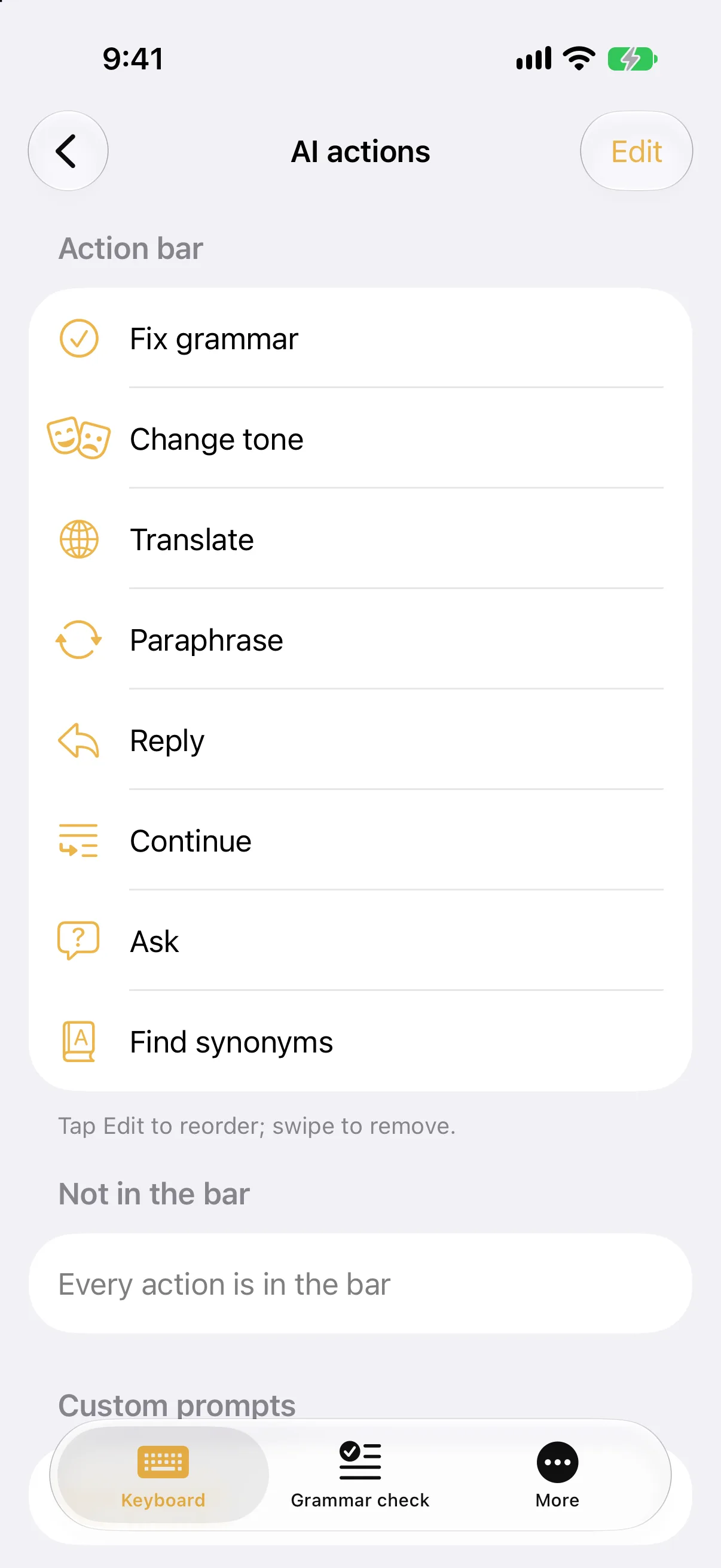
Find it in the action row or in the grid behind the AI button at the left of the suggestion bar.
Read the result
The result holds your text followed by the new part. Tap Regenerate for a different continuation.
Tap Replace
Use Replace, not Insert: the result already starts with your own text, so Insert would repeat it.
Questions
- Why does the result repeat my text?
- Continue returns your original text followed by the continuation, so the result reads as one piece. Tap Replace and the field holds the whole thing.
- Will it change what I already wrote?
- It is told to keep your text and add to it, preserving its tone and meaning. Read the start of the result before you replace, just in case.
- How much does it write?
- There is no length setting. It writes a natural continuation; tap Regenerate if it is too short or too long.
- Does it count as an AI action?
- Yes. A cloud run counts as one of your 20 free AI actions a day; Pro is unlimited.
- Which apps does Continue work in?
- Any app where you can switch to the CorrectMe keyboard, such as Messages, Mail, WhatsApp, Slack and Notes. It is not offered in password, username or one-time code fields, and some apps do not allow third-party keyboards at all.