
Ask a question without leaving the app
Type a question in any text field on your iPhone, tap Ask on the CorrectMe keyboard, and a clear, concise answer appears above the keys. Insert it under your question, replace the question with it, or copy it.
How many grams is 3/4 cup of all-purpose flour?
About 94 grams (roughly 125 grams per cup).
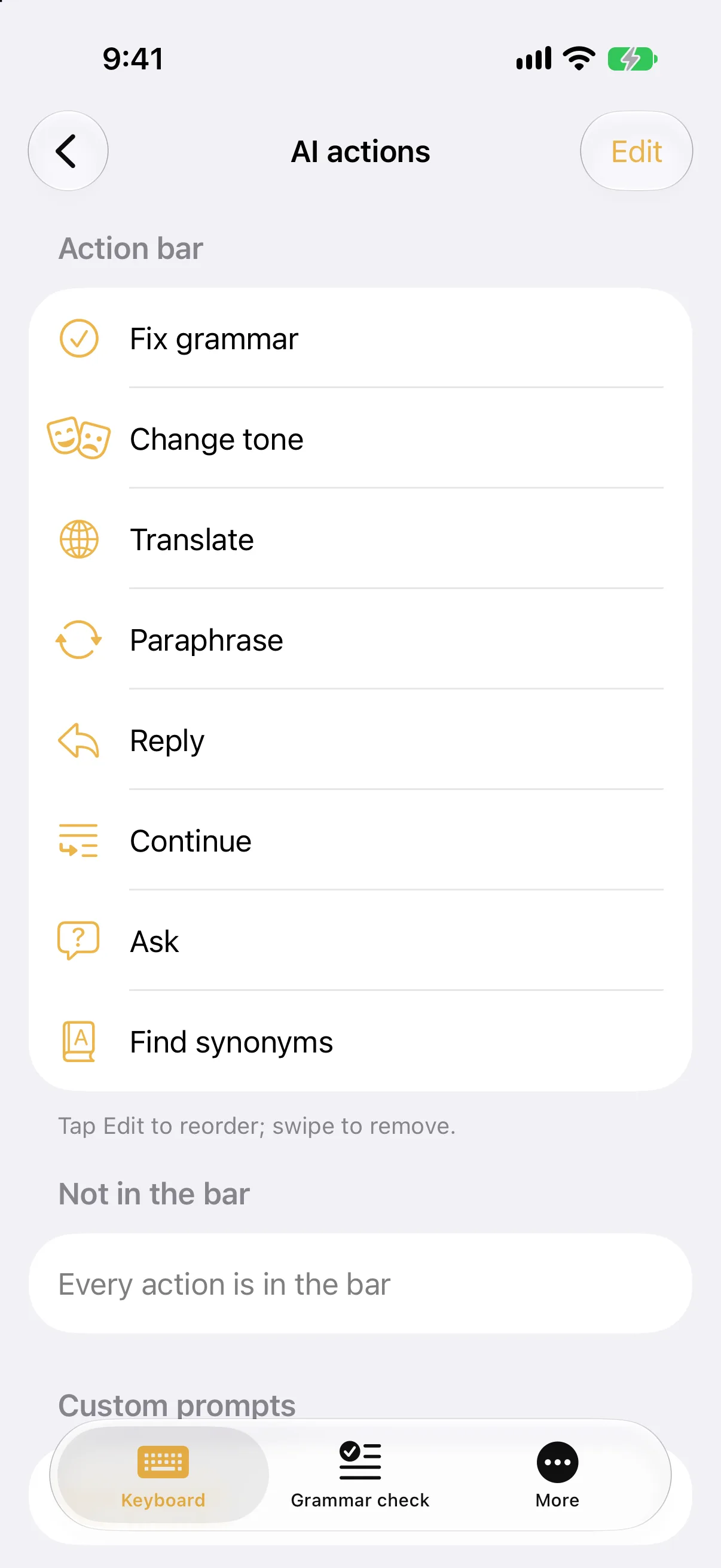
Ask is one of the eight AI actions in CorrectMe, an AI keyboard app for iPhone by Teleprompter LLC. It answers a question you typed in any text field, briefly, without opening a browser or a chat app. Answers come from an AI model and can be wrong, so check facts that matter.
A quick answer, where you are typing
Ask treats the text you give it as a question or a prompt and returns a clear, concise answer with no extra commentary. It saves a trip to a browser or a chat app when you need one fact in the middle of writing something.
It reads your selection, or the whole field when nothing is selected. That means you can type a question at the end of a draft, select just the question, and ask it without sending the rest of your text.
Ideas for using Ask
- Conversions: “What is 72 °F in Celsius?”
- Definitions: “What does ‘per diem’ mean?”
- Wording help: “Polite way to say I can’t attend a meeting”
- Quick facts while chatting: “When does daylight saving time end in the US?”
- Short explanations: “Explain compound interest in two sentences”
What to do with the answer
The answer appears in the panel above the keys as it is written. Then:
- Insert puts it after your question, so both stay in the field.
- Replace swaps your question for the answer, which is useful when the question was only for you.
- Copy copies it to paste elsewhere.
- Regenerate asks again.
Undo in the suggestion bar restores the field until you type again.
Things to keep in mind
Ask answers from a language model’s general knowledge; it does not browse the web, so recent events may be missing and answers can be wrong. Treat it like a quick reference, not an authority, and check anything that matters.
If you ask the same kind of question often, such as “summarize this” or “turn this into a checklist”, save it as a custom prompt so it becomes a one-tap action.
Where it runs
On iPhones with iOS 26 or later where Apple’s on-device model is available, CorrectMe tries it first when it supports your question’s language. Otherwise, with Full Access on, the text goes to CorrectMe’s cloud service when you tap Ask.
Ask from the keyboard
Type your question
Write it in any text field, or select a question that is already there.
Tap Ask
Find it in the action row or in the grid behind the AI button at the left of the suggestion bar.
Read the answer
A short answer appears in the panel above the keys. Tap Regenerate for another answer.
Insert, replace or copy
Insert puts the answer after your question, Replace swaps the question for the answer, and Copy copies it.
Questions
- What can I ask?
- Anything you would type as a question: a conversion, a definition, how to phrase something, a quick fact. The answer is kept short.
- Can it see my other messages or the web page I am on?
- No. It sees only the text you selected, or the text field you are typing in.
- Is the answer always right?
- No. Answers come from an AI model and can be wrong or out of date. Double-check anything important.
- Does Ask count toward my limit?
- A cloud answer counts as one of your 20 free AI actions a day; Pro is unlimited.
- Which apps does Ask work in?
- Any app where you can switch to the CorrectMe keyboard, such as Messages, Mail, WhatsApp, Slack and Notes. It is not offered in password, username or one-time code fields, and some apps do not allow third-party keyboards at all.