
Autocorrect that knows your languages
CorrectMe corrects typos when you press space, suggests the next word, and learns the names and words you actually use. It works in nine languages, and you never switch keyboards between them.
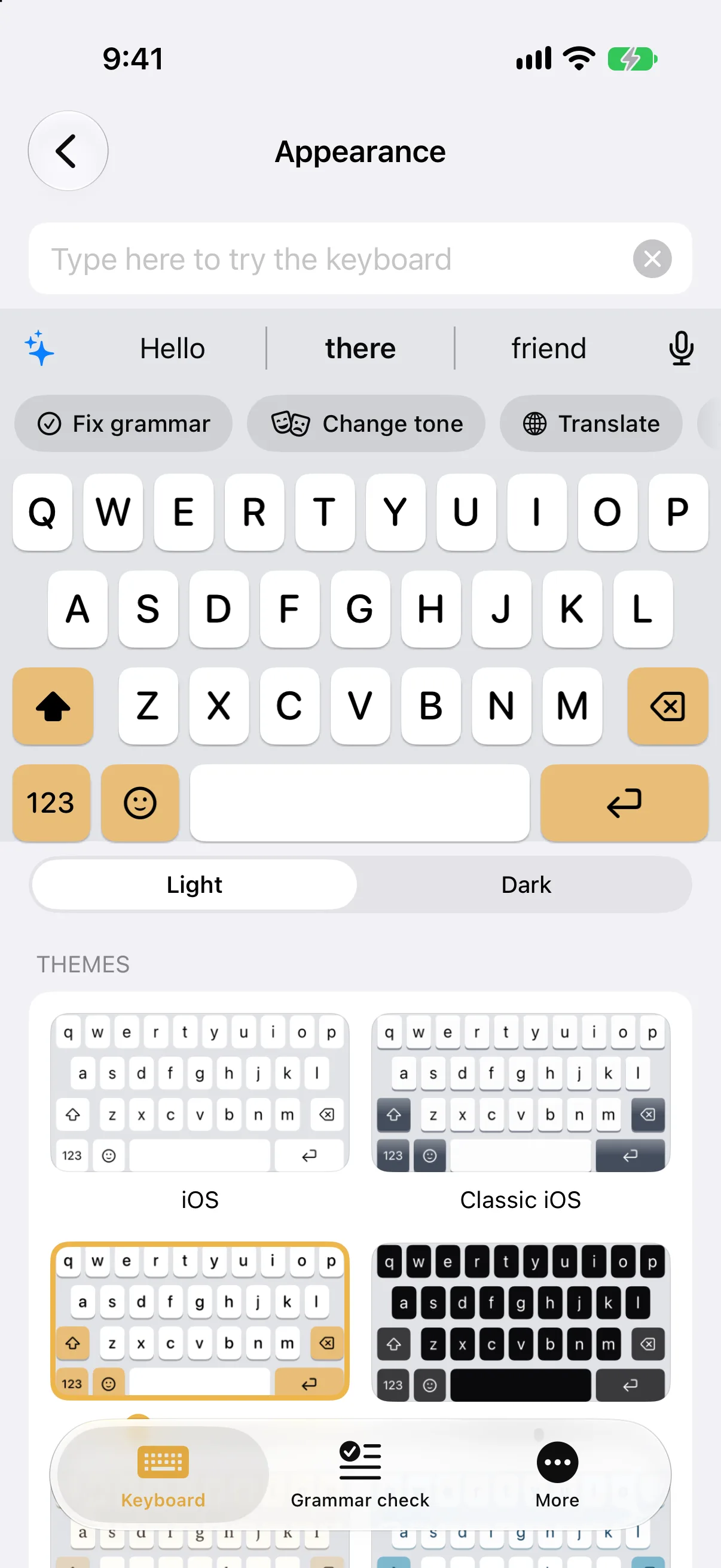
CorrectMe, an AI keyboard app for iPhone by Teleprompter LLC, autocorrects in 9 languages: English, Hungarian, German, French, Spanish, Italian, Portuguese (Brazil), Dutch and Polish. It checks every language you enable at once, runs on your iPhone without Full Access, and is free.
How does CorrectMe autocorrect work?
As you type a word, the suggestion bar shows up to three options: corrections, completions of the word you started, and after a space, likely next words. When you press space or a punctuation mark and CorrectMe is confident the word is a typo, it replaces it with the top correction. If it is not confident, it leaves your word alone and only suggests.
Corrections look at the keys around the one you hit, swapped letters, missing accents and apostrophes, so “dont” can become “don’t” and a missing accent can be added without a real spelling change.
Nine languages, without switching keyboards
CorrectMe ships its own dictionaries for English, Hungarian, German, French, Spanish, Italian, Portuguese (Brazil), Dutch and Polish. Turn on the ones you write in under Languages.
Most people who write in two languages use one in some conversations and the other in the rest. With a separate keyboard per language, that means switching keyboards every time you change conversation; forget once, and autocorrect rewrites your words into the wrong language.
With CorrectMe you do not switch. Every enabled language counts when deciding whether a word is correct, and the keyboard follows the language your recent words are in, so a message in Spanish is corrected as Spanish and the next one in English as English.
Which words does it learn?
CorrectMe learns a word the keyboard does not know once you have typed it three times. If you undo a correction by tapping your original word in the suggestion bar, it learns that word at once and never corrects it again.
It also uses the names from your contacts and the text replacements you set in iOS Settings, so a shortcut you made there is offered as a suggestion.
Only plain words of 2 to 24 letters are learned: no numbers, web addresses or emoji. Text you paste is never learned, and nothing is learned in password, email or address fields.
Manage learned words
Open Typing › Autocorrect languages › Learned words in the app to search the list, remove a word, or add one by hand. A word you add is treated as correct and never auto-corrected. Reset learning makes the keyboard forget every word it learned.
With Full Access on, learned words are kept where the app can list them. Without Full Access, the keyboard keeps them in its own storage; Reset learning still clears them the next time the keyboard opens.
Other typing settings
Under Typing you can also turn on auto-capitalization, the double-space period, a number row, and haptics and key click sounds. Haptics need Full Access. Turning Predictive text off hides suggestions but keeps corrections undoable.
Set up autocorrect
Add your languages
In the CorrectMe app, open Languages and add the languages you type in. Autocorrect checks all of them at once, so you do not switch between them.
Check the typing switches
Under Typing, Autocorrect and Predictive text are separate switches. Autocorrect languages has one switch per language.
Type as usual
When you press space or punctuation, a likely typo is replaced. The suggestion bar shows up to three words while you type.
Undo a correction you did not want
Tap your original word in the suggestion bar. CorrectMe puts it back and stops correcting that word.
Questions
- Do I have to switch keyboards to type in two languages?
- No. You can write to one person in English and to the next in Spanish on the same keyboard. Every language you enable is checked at once, and CorrectMe follows the language your recent words are in, so a word that is correct in one of your languages is not changed into another.
- Does autocorrect need Full Access or an internet connection?
- No. The dictionaries are part of the app and corrections are worked out on your iPhone. Without Full Access, learned words stay in the keyboard's own storage, so the app cannot list them.
- Why did autocorrect not fix a word in a password or email field?
- Autocorrect is off in password, username, one-time code, email and web address fields, so it never changes what you type there.
- Can I turn autocorrect off for just one language?
- Yes. In Typing › Autocorrect languages, switch off that language. Its words still count as correct, so they will not be changed into another language.
- Is autocorrect free?
- Yes. Typing, autocorrect and suggestions in all nine languages are free.