
Draft a reply with one tap
Reply on the CorrectMe keyboard for iPhone writes a concise answer to the text in your field. Paste in the message you got, tap Reply, and replace it with a draft you can edit and send.
Hi, are you still up for dinner on Saturday? We were thinking 7:30 at the Italian place near the station.
Yes, definitely. 7:30 at the Italian place works for me. See you Saturday.
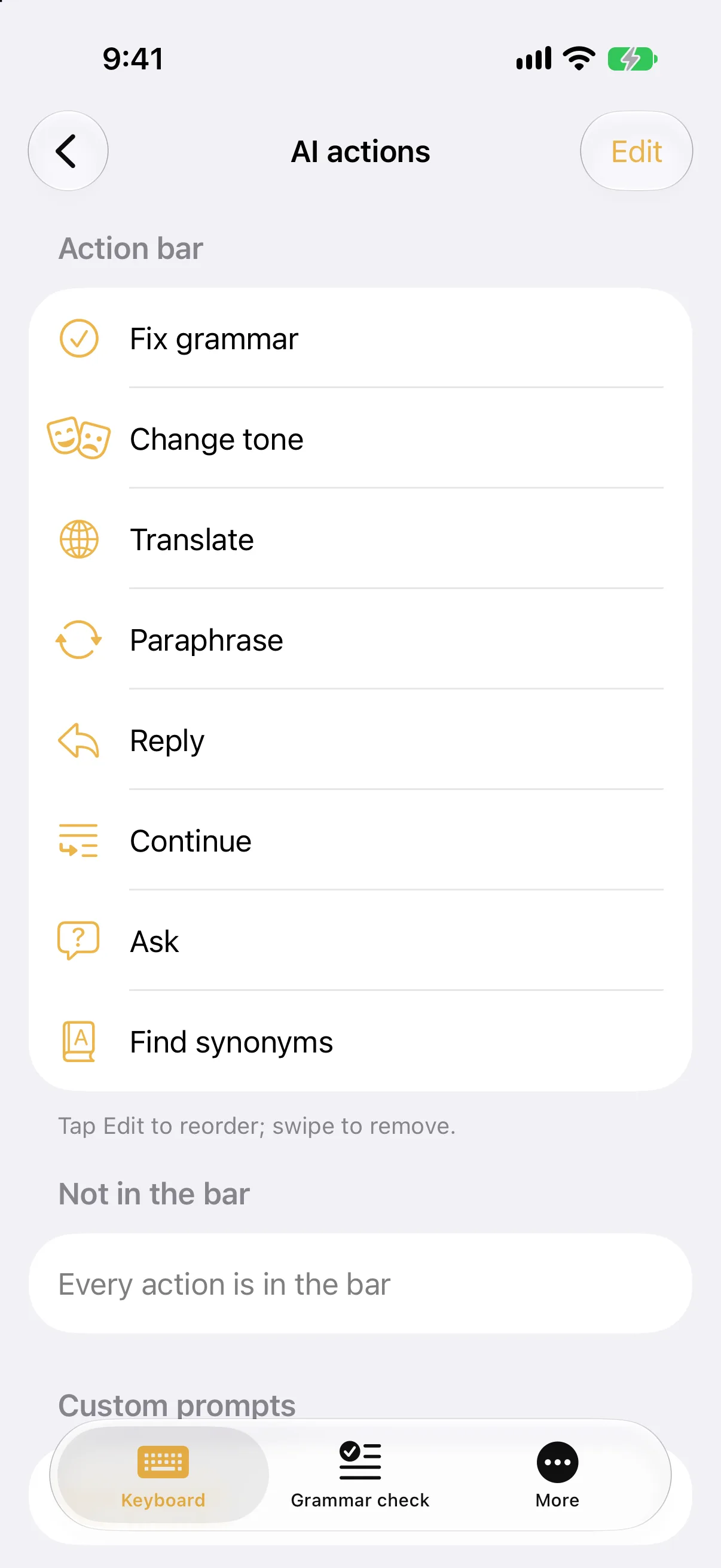
Reply is one of the eight AI actions in CorrectMe, an AI keyboard app for iPhone by Teleprompter LLC. It drafts a short reply to the text in your field. iOS lets a keyboard read only the field you are typing in, so you paste the message you received there first.
A first draft when you do not know what to say
Reply reads the text in your field and writes a concise, meaningful reply to it, with nothing added around it. It is meant for the moments when you know roughly what to answer but do not want to word it: confirming a plan, thanking someone, answering a quick question, turning down an invitation politely.
Why you paste the message first
iOS keeps keyboards out of the rest of the screen: CorrectMe can read only the text field you are typing in, never the conversation above it. So Reply answers whatever text is in the field, or your selection.
The quickest way:
- Long-press the message you received and copy it.
- Paste it into your reply field.
- Tap Reply, then Replace.
The pasted message is swapped for your reply. If you prefer to keep the original visible while you edit, use Insert: the reply goes after the pasted text, and you delete the part you do not need.
Make it yours
The draft is a starting point. Edit it like any text you typed, or run another action on it:
- Change tone to make it friendlier, more professional or more confident.
- Translate to answer in another language.
- Fix grammar after you edit it.
Regenerate gives a different draft for the same message. Undo in the suggestion bar puts the field back as it was before Replace or Insert, until you type again.
Where it runs
On iPhones with iOS 26 or later where Apple’s on-device model is available, CorrectMe tries it first when it supports the message’s language. Otherwise, with Full Access on, the text in the field goes to CorrectMe’s cloud service when you tap Reply. Nothing is sent before you tap, and nothing is ever sent from password or one-time code fields.
A cloud reply counts as one of your 20 free AI actions a day; Pro is unlimited.
Draft a reply from the keyboard
Put the message in the text field
The keyboard can only read the field you are typing in, so copy the message you received and paste it there, or select it in a field where it already is.
Tap Reply
Find it in the action row or in the grid behind the AI button at the left of the suggestion bar.
Check the draft
A short reply appears above the keys. Tap Regenerate if you want a different one.
Tap Replace
The pasted message is replaced by your reply, ready to edit and send.
Questions
- Can CorrectMe read the message I received?
- No. iOS gives a keyboard only the text field it is typing in, not the conversation above it. Paste the message into the field first.
- Will it send the reply for me?
- No. The draft goes into your text field only when you tap Replace or Insert, and you send it yourself.
- Can I make the reply sound more formal?
- Yes. After replacing, run Change tone on the draft and pick Professional or another tone.
- Does it reply in the same language?
- The reply keeps the language of the text you give it, so a message in Spanish gets an answer in Spanish.
- Which apps does Reply work in?
- Any app where you can switch to the CorrectMe keyboard, such as Messages, Mail, WhatsApp, Slack and Notes. It is not offered in password, username or one-time code fields, and some apps do not allow third-party keyboards at all.