
Fix grammar in any app, from the keyboard
Fix grammar on the CorrectMe keyboard corrects grammar, spelling and punctuation in whatever you are writing on your iPhone, keeps your meaning, and shows you exactly what it changed.
hey, me and him was going to the meeting tomorow but its been moved to friday, let me know if your free
Hey, he and I were going to the meeting tomorrow, but it's been moved to Friday. Let me know if you're free.
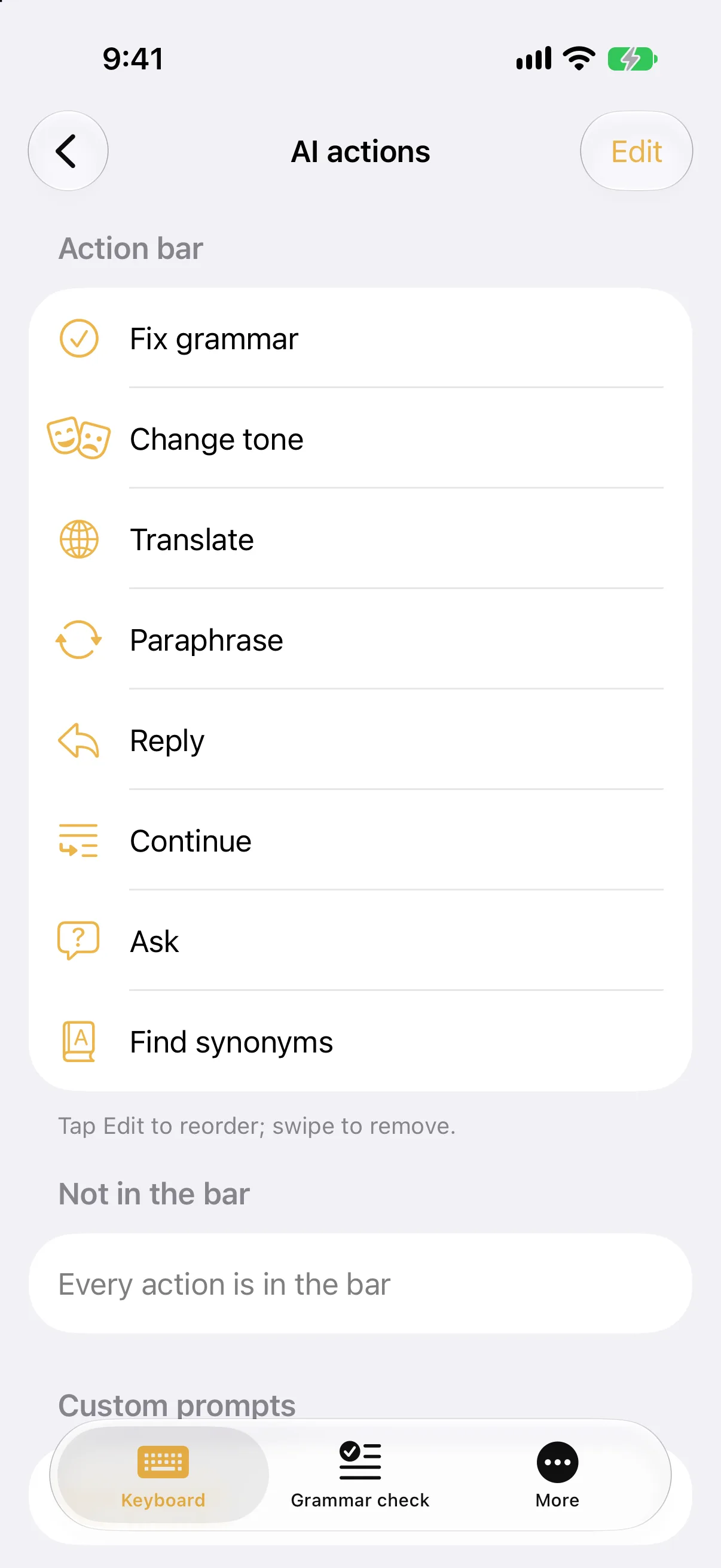
Fix grammar is one of the eight AI actions in CorrectMe, an AI keyboard app for iPhone by Teleprompter LLC. It corrects grammar, spelling and punctuation in the text you are writing, in any app, and shows each change word by word before you accept it. A cloud run counts as one of 20 free AI actions a day; CorrectMe Pro is unlimited.
A grammar checker inside your keyboard
Fix grammar works wherever you type with the CorrectMe keyboard: Messages, Mail, WhatsApp, Slack, LinkedIn, a notes app. You do not copy text into another app and back. Tap the action, check the result, and tap Replace.
It looks for grammar, spelling and punctuation mistakes and returns only the corrected text, with no explanations added. If the text is already correct, it is returned unchanged, and the keyboard shows No corrections needed instead of a result.
See what changed
Unlike the other actions, Fix grammar shows a word-by-word comparison of your text and the corrected one, so a changed word, an added comma or a fixed capital is easy to spot before you accept it. Very long texts are shown as plain corrected text instead.
Then choose:
- Replace puts the corrected text in place of yours.
- Insert adds it after your text, leaving the original in place.
- Copy copies it, to paste somewhere else.
- Regenerate runs the check again.
After Replace or Insert, an Undo button in the suggestion bar puts your original text back until you start typing again.
Check part of a message, or all of it
With text selected, Fix grammar checks only the selection, which is useful for one paragraph of a long email. With nothing selected, it reads the whole text field, up to 20,000 characters.
Where it runs
On iPhones with iOS 26 or later where Apple’s on-device model is available, CorrectMe tries it first when it supports your text’s language and the text is short enough. Otherwise, with Full Access on, the text goes to CorrectMe’s cloud service. Your text is sent only when you tap the action. Nothing is checked in password or one-time code fields.
Try it without the app
Want to check a paragraph on a computer? Paste it into the free grammar checker on this site and check it in your browser.
Fix grammar from the keyboard
Write your text
Type in any app. Select a sentence to check just that part, or select nothing to check the whole field.
Tap Fix grammar
It is the first pill in the action row unless you reordered it. You can also tap the AI button at the left of the suggestion bar and pick it from the grid.
Look over the changes
The panel shows your text with each change marked word by word. If nothing needed fixing, it says No corrections needed.
Tap Replace
Your text is swapped for the corrected version. Changed your mind? Tap Undo in the suggestion bar.
Questions
- What languages does Fix grammar work in?
- It corrects the text in the language it is written in, and does not translate it. It is not limited to the nine keyboard languages.
- Will it rewrite my sentences?
- No. It is told to correct mistakes while keeping your meaning, and to return the text unchanged when there are none. To reword text, use Paraphrase or Change tone.
- How is this different from autocorrect?
- Autocorrect fixes single misspelled words as you type, on your iPhone. Fix grammar looks at whole sentences: verb agreement, missing commas, its versus it's.
- Does it count toward my free actions?
- A Fix grammar run in the cloud counts as one of your 20 free AI actions a day. Runs on Apple's on-device model do not count, and Pro is unlimited.
- Which apps does Fix grammar work in?
- Any app where you can switch to the CorrectMe keyboard, such as Messages, Mail, WhatsApp, Slack and Notes. It is not offered in password, username or one-time code fields, and some apps do not allow third-party keyboards at all.
- Does Fix grammar need Full Access?
- Only for the cloud. On iPhones with iOS 26 or later where Apple's on-device model is available, Fix grammar can run on the phone; otherwise it needs Full Access and a connection.