
Find a better word without leaving your text
Select a word or short phrase, tap Find synonyms, and CorrectMe suggests one fitting replacement. Tap Replace to swap it in, or Regenerate for another.
important
crucial
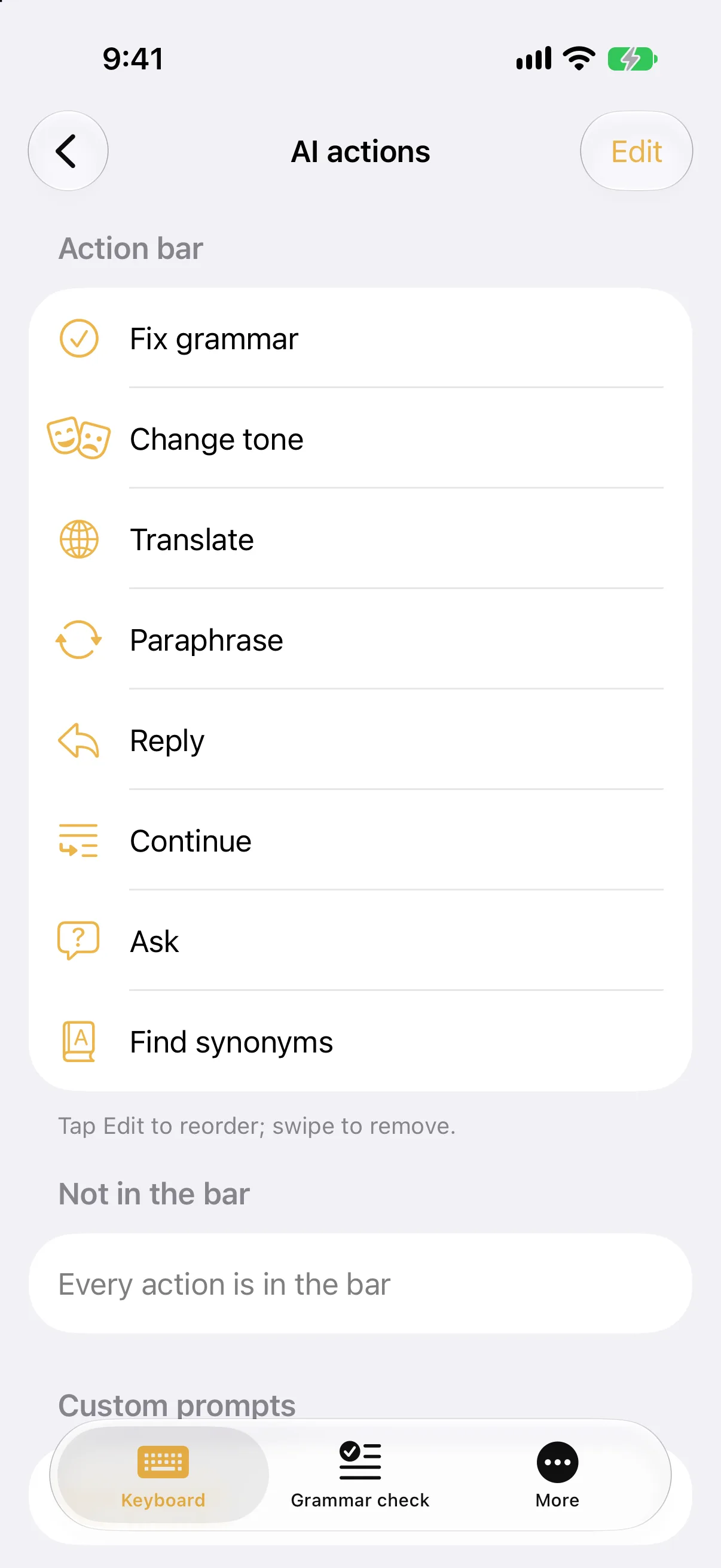
Find synonyms is one of the eight AI actions in CorrectMe, an AI keyboard app for iPhone by Teleprompter LLC. It suggests one fitting synonym for the word or short phrase you select, ready to replace it with one tap.
One good word, in place
Find synonyms gives you one replacement for the word or phrase you selected: just the synonym, with no punctuation or explanation, so it can drop straight into your sentence. Select “important”, get “crucial”, tap Replace.
That makes it quick for the most common case, when a word is almost right but not quite, or you have used it twice in one paragraph.
Select first
The action works on your selection. Double-tap a word to select it, or drag the handles to select a short phrase such as “a lot of”. If nothing is selected, the whole text field is used, which is rarely what you want for a synonym, so select first.
Because the synonym replaces only what you selected, the rest of your sentence stays exactly as you wrote it. Check that the new word still fits the grammar around it, for example a verb’s tense or a noun’s plural.
Not the right word?
Tap Regenerate to ask again. Each try can give a different word, so two or three taps usually turn up the one you are after. When you find it:
- Replace swaps your selection for it.
- Insert adds it after your selection, if you want to compare them side by side.
- Copy copies it.
After Replace or Insert, Undo in the suggestion bar brings back your original word until you type again.
When to use something else
- To reword a whole sentence, use Paraphrase.
- To make a message sound more formal or friendly, use Change tone.
- To look up a word on a computer, try the free synonym finder on this site.
- To run your own word-finding instruction, write a custom prompt.
Where it runs
On iPhones with iOS 26 or later where Apple’s on-device model is available, CorrectMe tries it first. If the model cannot do it and Full Access is on, the word goes to CorrectMe’s cloud service when you tap the action.
Find a synonym from the keyboard
Select the word
Double-tap a word, or drag to select a short phrase. Without a selection, the action uses the whole field.
Tap Find synonyms
Find it in the action row or in the grid behind the AI button at the left of the suggestion bar.
Look at the suggestion
One word or phrase appears in the panel. Tap Regenerate to ask for another.
Tap Replace
The selected word is swapped for the synonym. Undo in the suggestion bar puts it back.
Questions
- Why do I get one word instead of a list?
- Find synonyms is built to give a single synonym, so it can replace your word directly. Tap Regenerate to see another option.
- Does it work on a whole sentence?
- It is meant for a word or short phrase. To reword a sentence, use Paraphrase.
- Does it work in other languages?
- Yes. Select a word in any language and the synonym comes back in the same language.
- Does each try count as an AI action?
- Each cloud run, including Regenerate, counts as one of your 20 free AI actions a day. Pro is unlimited.
- Which apps does Find synonyms work in?
- Any app where you can switch to the CorrectMe keyboard, such as Messages, Mail, WhatsApp, Slack and Notes. It is not offered in password, username or one-time code fields, and some apps do not allow third-party keyboards at all.